
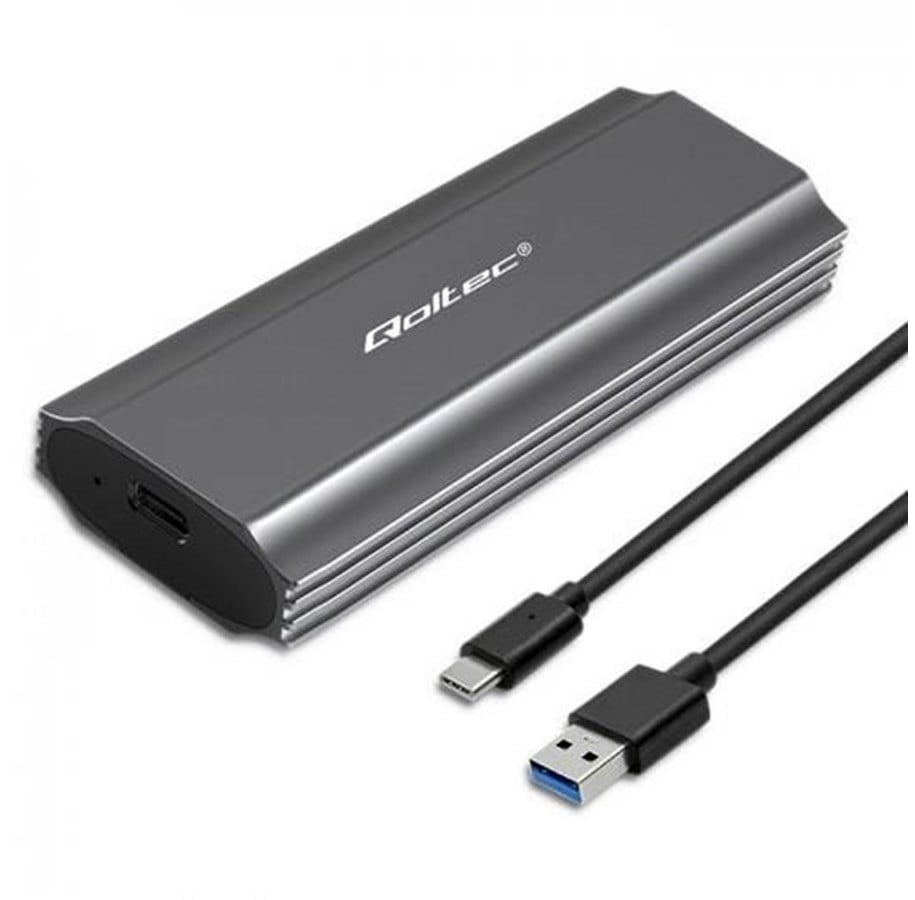
Qoltec NV2271 SSD-behuizing - M.2 SATA/NVMe - USB-C 3.1 Gen 2 - Grijs
SSD-behuizing Qoltec NV2271 biedt USB-C 3.1 Gen 2-connectiviteit, tot 10 Gbit/s gegevensoverdracht, M.2 SSD-ondersteuning en een grijs aluminium ontwerp.
Deze opslagbehuizing ondersteunt SATA- en NVMe-opslaginterfaces en is gebouwd voor één M.2 SSD, met Plug and Play-installatie, UASP-ondersteuning en via USB gevoede werking voor eenvoudig dagelijks gebruik.
OTG-ondersteuning en meegeleverde USB- en USB Type-C-kabels maken het praktisch voor snelle bestandstoegang, gegevensoverdracht en flexibel opslagbeheer thuis, op het werk of onderweg.
WE CREATE SOLUTIONS THAT MAKE A DIFFERENCE IN EVERYDAY LIFE
Qoltec's SSD Drive Pocket is the ideal solution for those looking for mobile and easy-to-use data storage options, and is an interesting alternative, not only for those with documents or private files on disks, but also for small businesses wishing to archive their computer data without investing in other costly solutions.
DATA TRANSFER OF UP TO 10GB/S
The M.2 drive enclosure from Qoltec is a :
- suitable for M.2 SSD NVMe with M-Key and SATA with B+M-Key with sizes : 2230, 2242, 2260, 2280,
- UASP support, allows multiple commands to be executed at the same time,
- OTG support, works with laptops and smartphones
- USB 3.1 Gen2 interface enables data transfer at a speed of 10 Gb/s,
- device is compatible with USB 3.1 Gen1 and USB 2.0,
- LED indicates copy status,
- Single M.2 drive supports up to 2TB,
- Useful when there is no other way to connect an SSD,
- USB cable included,
- No need to install drivers, simply plug into a USB port and use thanks to the simplicity of the Plug&Play function.
MAXIMUM MOBILITY IN AN ELEGANT ALUMINIUM HOUSING
The compact and handy enclosure for your M.2 SSD is a stylish protection for your valuable data. The case is made of high-quality aluminium, which further helps to dissipate heat. The compact size of the enclosure will allow you to take it with you to work or wine places, the pocket fits easily into a backpack. The durable enclosure provides effective protection against crushing and prevents any damage to the drive.
SUPPORT FOR M.2 SATA AND NVME DRIVESTo install the SSD, you don't need any special tools, simply slide out the case, insert the drive accordingly and slide it back into the case. Once you have connected the pocket to the device of your choice, you can get started, the device is ready for operation.
Opslagmedia
Poorten & interfaces
Design
Prestatie
Energie
Minimale systeemeisen
Gewicht en omvang
Inhoud van de verpakking
Technische details
Bovenstaande specificaties en vermeldingen kunnen zonder voorafgaande kennisgeving door de fabrikant worden gewijzigd. Sommige teksten kunnen automatisch of machinaal zijn gegenereerd en daardoor misleidende teksten opleveren.